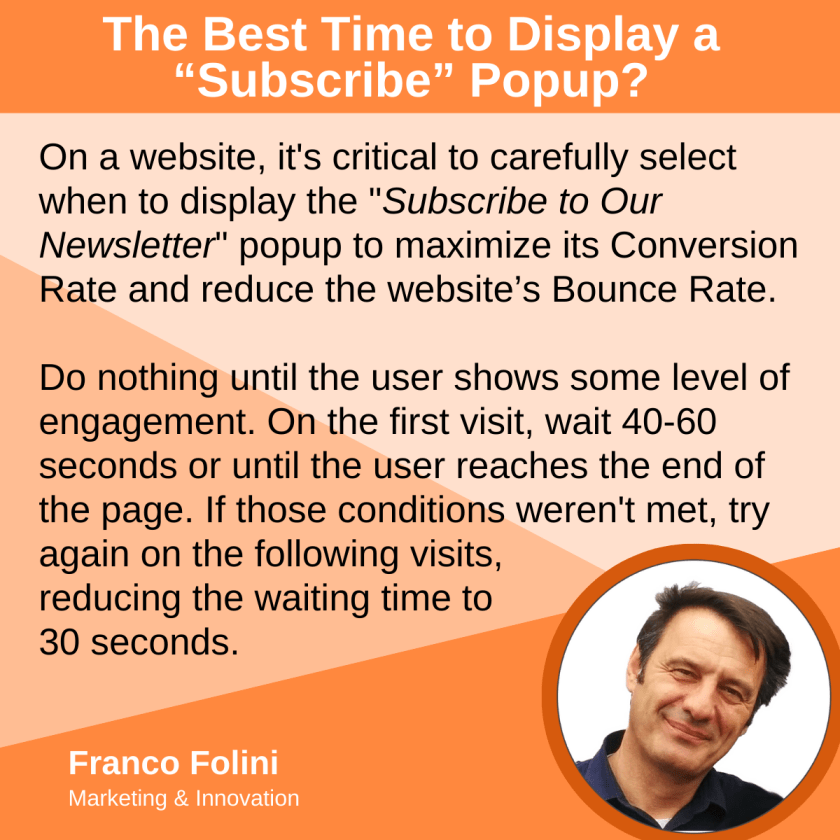
It is essential to thoughtfully determine the optimal times to show a website’s “Subscribe to Our Newsletter” popup to enhance its conversion rate and decrease the website bounce rate.
I recommend doing nothing until the user shows some level of engagement. On the first visit, wait 40-60 seconds or until the user reaches the end of the page before activating the popup.
If those conditions weren’t met, try again on the following visits, reducing the waiting time to 30 seconds.
The most compelling moment to present a pop-up requesting newsletter subscriptions is when the user has demonstrated engagement or interest before they leave the site. Timing and context are crucial to make the request feel relevant and non-intrusive. Here are the ideal moments:
1. After Reading a Blog Post (Content Completion Trigger)
If the user scrolls to the end of an article or blog post, they’re likely interested in your content. Presenting a subscription offer at this moment capitalizes on their engagement.
Example: “Enjoyed this article? Subscribe for more insights straight to your inbox!”
2. Time-Based Trigger (After X Seconds or Minutes)
Once a user has spent a set amount of time on the site (e.g., 40–60 seconds on the first visit, only 30 seconds for the following visits), it signals they’re exploring. Pop up a subscription request once they’ve had time to experience the value of the content.
Example: “Liking what you see? Don’t miss out—subscribe for exclusive tips!”
3. Exit-Intent Trigger
When the user’s cursor moves toward the browser’s close or back button, it indicates they’re about to leave. This is a perfect moment for an exit-intent pop-up, offering a compelling reason to stay connected.
Example: “Wait! Don’t miss our best tips—subscribe now for free weekly updates!”
4. After Interacting with Key Features
If your site has specific features (like downloading a resource, browsing multiple pages, or using a tool), trigger a pop-up after users engage with these. This shows they find value in what you offer.
Example: “Found this tool helpful? Subscribe for more resources like this!”
5. During a Special Offer or Promotion
If you’re running a time-sensitive deal or offering an exclusive resource (like a free e-book, checklist, or webinar), tie the subscription to the offer.
Example: “Sign up now to receive your free guide on [topic]!”
6. When Browsing a Specific Category
If the user is exploring a niche category on your blog or website, tailor the subscription pop-up to reflect their interests.
Example: “Love [topic]? Subscribe for tailored insights and updates delivered to your inbox!”
Key Best Practices
- Personalize the Message: Make the pop-up feel targeted by using contextual references.
- Offer Value: Highlight what the user gains by subscribing (e.g., exclusive content, discounts, updates).
- Non-Intrusive Design: Ensure the pop-up is visually appealing, easy to close, and doesn’t disrupt the user experience.
- A/B Test: Experiment with timing, design, and offers to find the optimal approach for your audience.
A well-timed and relevant subscription request can significantly increase your conversion rate without frustrating visitors!
 Franco Folini Blog
Leave a comment